

Creating a dedicated, well-organized home workspace is essential for staying productive and focused. Without the right setup, clutter can quickly build up, leading to distractions and reduced efficiency. Whether you work remotely full-time or occasionally take work home, these tips will help you design and maintain a clutter-free workspace that supports your best work.
Why Organization Matters for Your Home Workspace
A tidy and well-planned workspace not only looks inviting but directly affects how well you can concentrate and manage your tasks. Clutter can cause stress and make it hard to find important documents or tools when you need them. By organizing your workspace, you create a clear environment that fosters creativity and productivity.
Step 1: Choose the Right Space
Finding a dedicated spot for your workspace is the first step. Ideally, pick a quiet corner or room away from high-traffic areas. Natural light is a plus, as it helps reduce eye strain and can boost your mood. Make sure there is enough space for all your essentials, including your computer, notebooks, and any other equipment you use daily.
Tips for Choosing Your Space:
– Avoid noisy or crowded parts of the home
– Ensure an ergonomic setup with a comfortable chair and desk height
– Consider proximity to power outlets and internet access
Step 2: Declutter and Simplify
Clearing unnecessary items is key. Start by removing everything from your workspace surface. Sort items into categories: keep, relocate, or toss. Try to keep only items you use daily within easy reach.
Decluttering Checklist:
– Paperwork and documents: File or shred old papers
– Office supplies: Keep essentials only; donate or discard extras
– Personal items: Limit to a few meaningful objects to avoid distractions
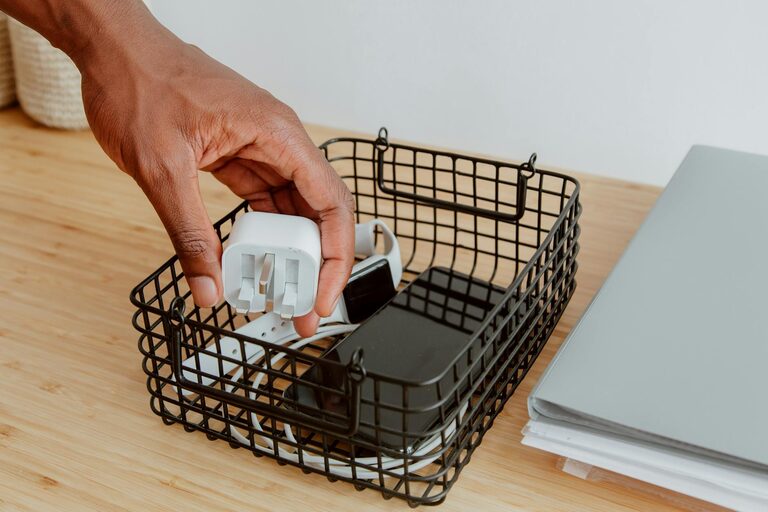
– Technology: Organize cords and remove unused devices
Step 3: Use Smart Storage Solutions
Good storage keeps your desk clear while keeping items accessible. Invest in organizers, shelves, and drawers tailored to your needs.
Storage Ideas:
– Desk organizers with compartments for pens, clips, and notebooks
– Vertical filing trays or wall-mounted folders for paperwork
– Cable management tools to avoid tangled cords
– Drawer dividers for smaller items
Step 4: Optimize Your Workflow
Arrange your workspace according to how you work best. Place frequently used items within arm’s reach. Group related supplies together, such as writing tools, reference materials, or tech accessories.
Workflow Tips:
– Keep your computer and keyboard central
– Use a bulletin board or calendar to keep track of deadlines and appointments
– Set up a system for incoming and outgoing tasks, like trays or folders labeled “To Do” and “Done”
– Incorporate a comfortable reading or brainstorming area if space allows
Step 5: Establish Daily Habits to Maintain Order
Organization is ongoing. Spend a few minutes at the end of each day tidying up your space. This helps prevent clutter from building and sets a clear mind for the next workday.
Maintenance Routine:
– File documents and clear your desk surface daily
– Empty trash bins regularly
– Charge devices in a designated area to avoid clutter
– Review your task lists to stay on track
Step 6: Personalize Mindfully
Adding personal touches makes your workspace inviting, but be careful not to overdo it. Small plants, photos, or art can brighten your area and reduce stress without causing clutter.
Benefits of a Well-Organized Home Workspace
– Improved focus and reduced distractions
– Faster access to needed items
– More pleasant and motivating work environment
– Lower stress and better work-life balance
—
Organizing your home workspace doesn’t have to be overwhelming. With a few thoughtful steps and consistent habits, you can create a clutter-free, efficient space that supports your productivity and well-being. Start small, stay consistent, and enjoy the benefits of a workspace designed just for you.